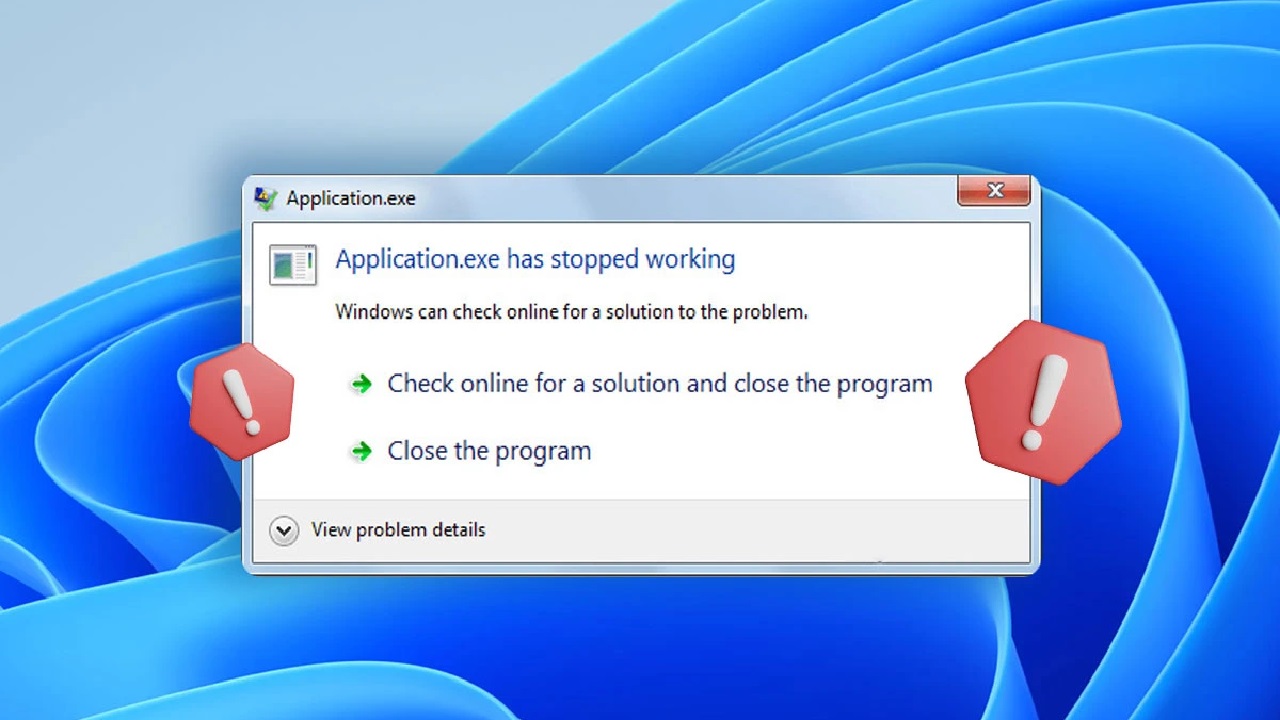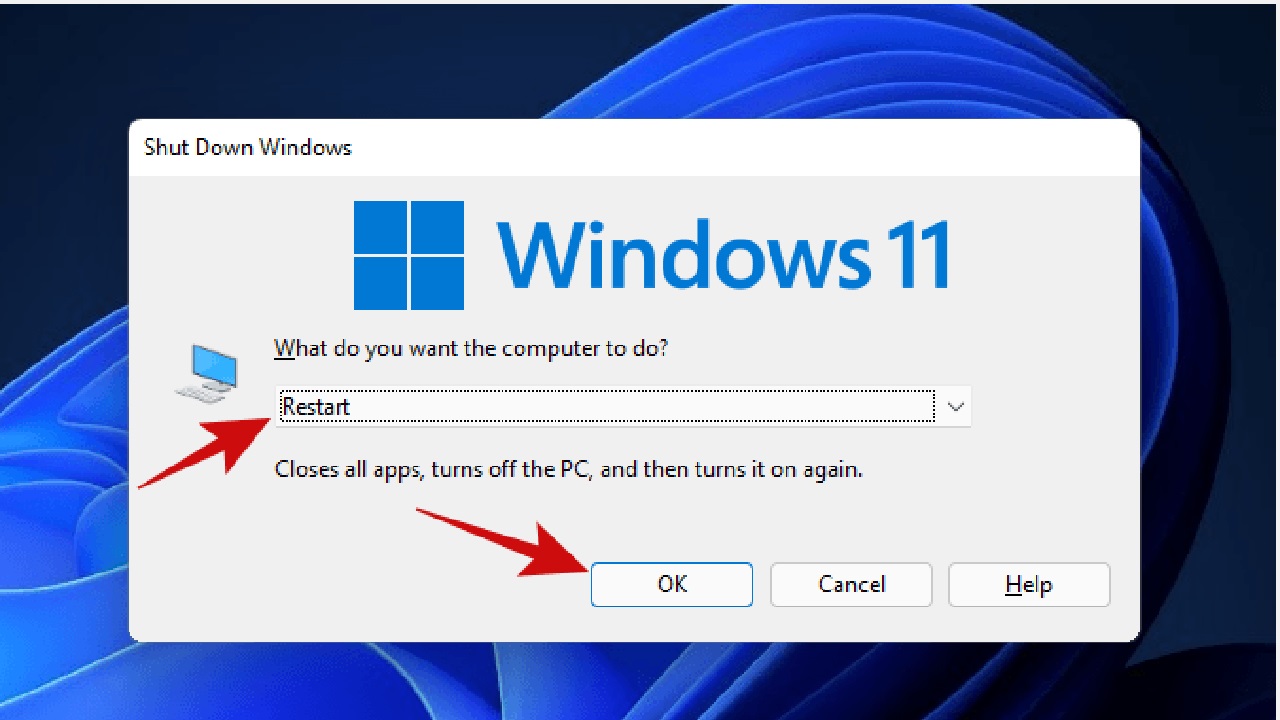
How to Fix Keyboard and Mouse Lag on Windows: Quick & Effective Solutions
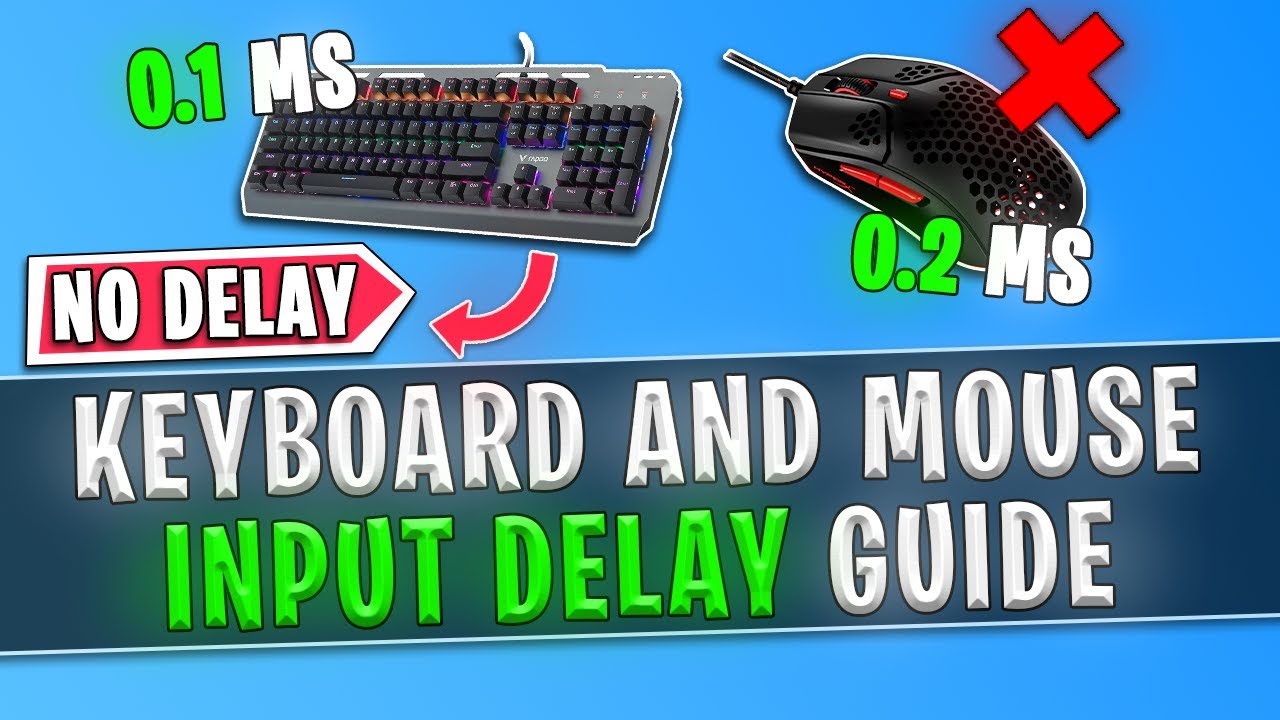
Keyboard

Hey there, fellow Windows user! If you’re reading this, chances are you’re slamming your desk in frustration because your keyboard is typing like it’s stuck in molasses, or your mouse is dragging across the screen like it’s on a leisurely stroll. I’ve been there—nothing kills productivity (or a good gaming session) faster than input lag. … Read more

How to Fix Printer Not Responding in Windows 10/11 – Step by Step Guide

Printer

Printers are essential tools in both home and office settings. However, one of the most frustrating problems Windows users encounter is the dreaded “Printer Not Responding” error. If you are seeing this issue on Windows 10 or Windows 11, you’re not alone. Fortunately, this guide will walk you through practical, step-by-step solutions to get your … Read more

How to Fix Windows 11 Start Menu Not Working: 9 Proven Solutions

Windows 11

The Windows 11 Start Menu is the heart of your PC’s user interface, offering quick access to apps, settings, and files. But what happens when it stops working? Whether it freezes, won’t open, or displays a blank screen, a malfunctioning Start Menu can disrupt your workflow and leave you frustrated. I’ve been there, staring at … Read more

Fix Black or Flickering Screen on Windows Laptops: Step-by-Step Troubleshooting Guide

Flickering

Hey there, fellow laptop user. We’ve all been there—staring at a suddenly black or annoyingly flickering screen on our Windows machine, wondering if it’s time to panic or just a quick fix. I remember the first time it happened to me: I was in the middle of a video call, and poof, everything went dark. … Read more

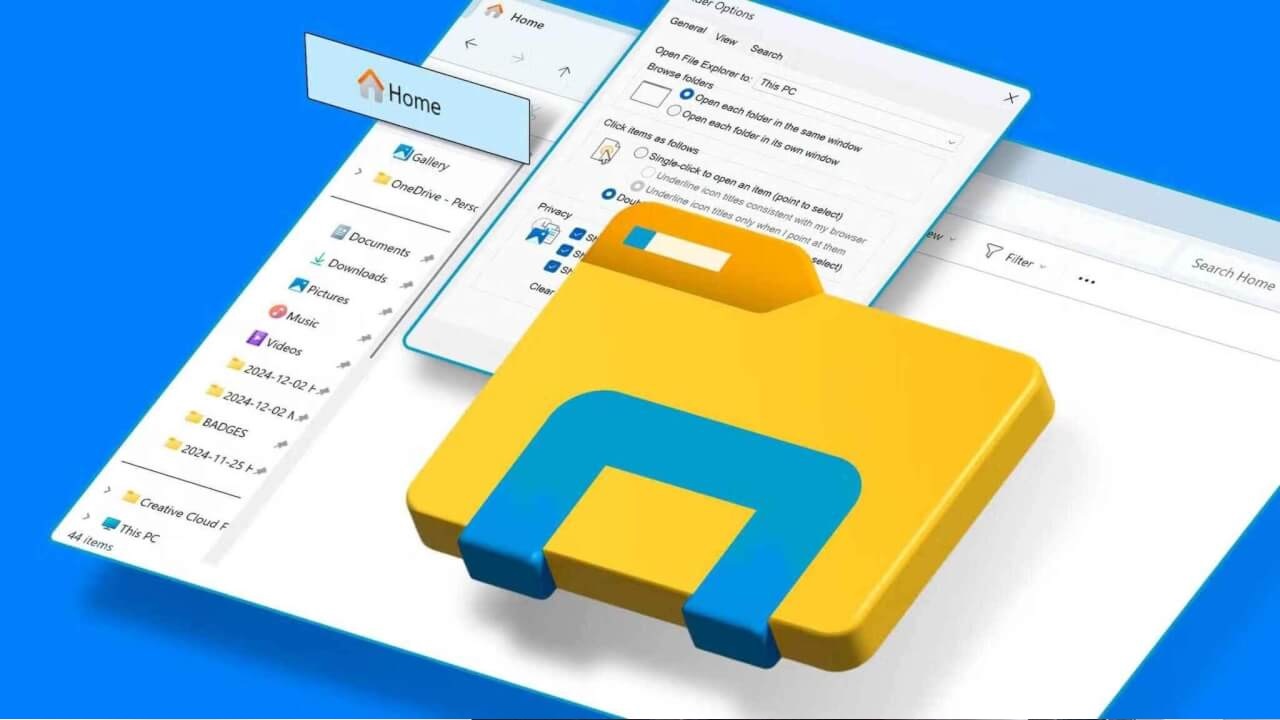
Troubleshooting Windows Explorer Crashes: Complete Step-by-Step Guide

Windows Explorer

Windows Explorer (also known as File Explorer in modern Windows versions) is the backbone of your Windows experience. From navigating files to managing folders and accessing drives, it’s hard to imagine using Windows without it. But what happens when Windows Explorer crashes or becomes unresponsive? This can disrupt your workflow, cause data access issues, and … Read more

How to Fix USB Device Not Recognized Errors on Windows PCs in 2025

USB Device Not Recognized

If you’ve ever plugged in a USB device—whether it’s a flash drive, external hard drive, or even a mouse—and seen the dreaded “USB Device Not Recognized” error pop up on your Windows PC, you know how frustrating it can be. It’s like your computer is playing a cruel game of hide-and-seek with your device. One … Read more